27 September 2026
RigRoute Labs · Hardware research
Hardware measurements for real-world decisions.
RigRoute Labs tests hardware with real benchmarks, so you can compare results, explore tests and see what your computer can do.
Measurements from real hardware using documented test methods.
- Real hardware
- Versioned method
- Runs locally
- Upload is optional
Latest tested hardware
All measurements →Latest measurements
Prompt processing shows how quickly the model reads your input. Generation shows how quickly it writes the answer. Tok/s counts small units of text (tokens) per second. Each measurement applies only to the model and method shown.
27 September 2026
28 September 2026
These are Local AI throughput measurements, not gaming FPS or an overall performance score.
Analysis and method
View all reviews →Read beyond the measurements
Featured review
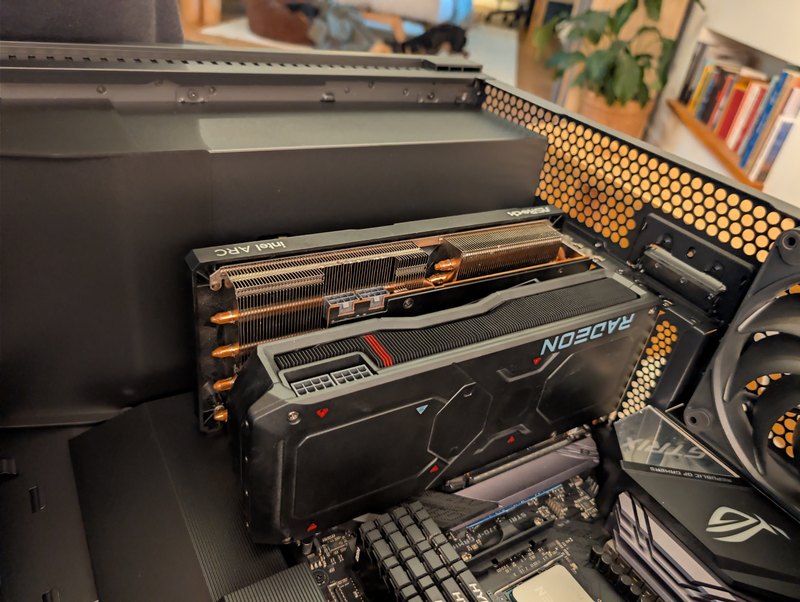
AMD and Intel in one PC: can two 16 GB GPUs run a 32B model?
We put an AMD Radeon RX 7800 XT and an Intel Arc A770 in the same machine and split Qwen3-32B across them with llama.cpp and Vulkan. The cards didn't become one 32 GB GPU, but they did work together.
- 5.1 tok/sOne card + system RAM
- 15.3 tok/sBoth cards
- 17.6 tok/sBoth cards, tuned
One test machine · Linux and Vulkan
Read the review →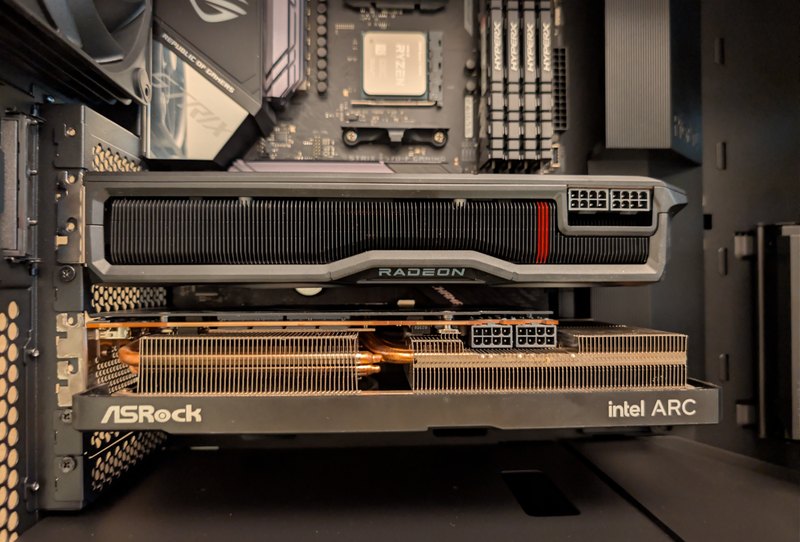
Hardware test
Local AI on a 32 GB M1 Pro: fitting the model is only the start
We tested Qwen2.5 models from 3B to 32B. Some large models ran surprisingly well, while long-context setups could take several minutes before they started answering.
Read the test →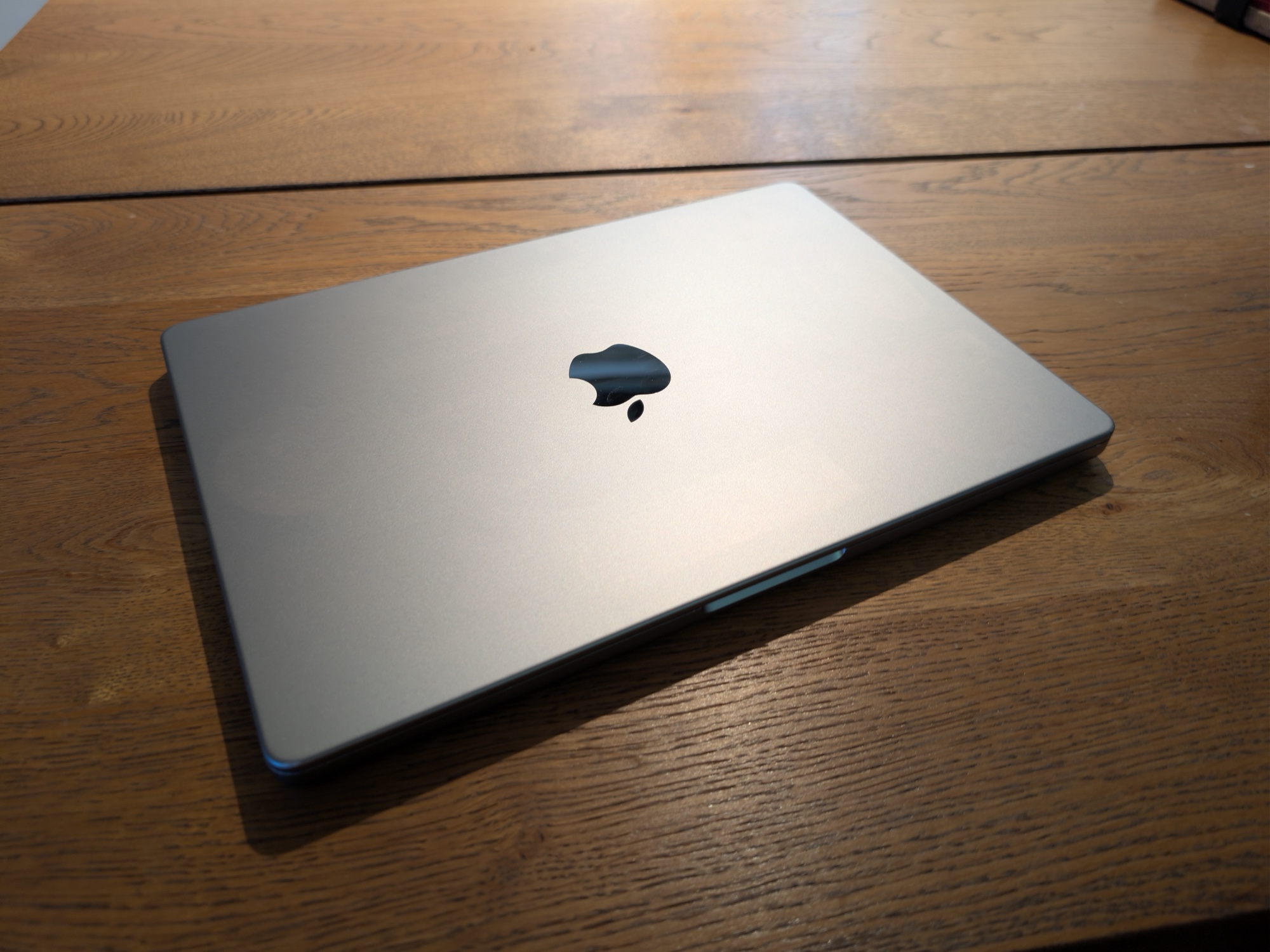
Buyer's guidePrebuilt vs Custom PC: How to Compare the Real Cost ↗A RigRoute guide, not a Labs test
Guides
All guides →How to Run AI Locally on Windows, Mac or Linux – Step by Step
Run a local AI model with Ollama on Windows, Mac or Linux. Follow the steps without programming, or try LM Studio as a graphical alternative.
Read the guide →